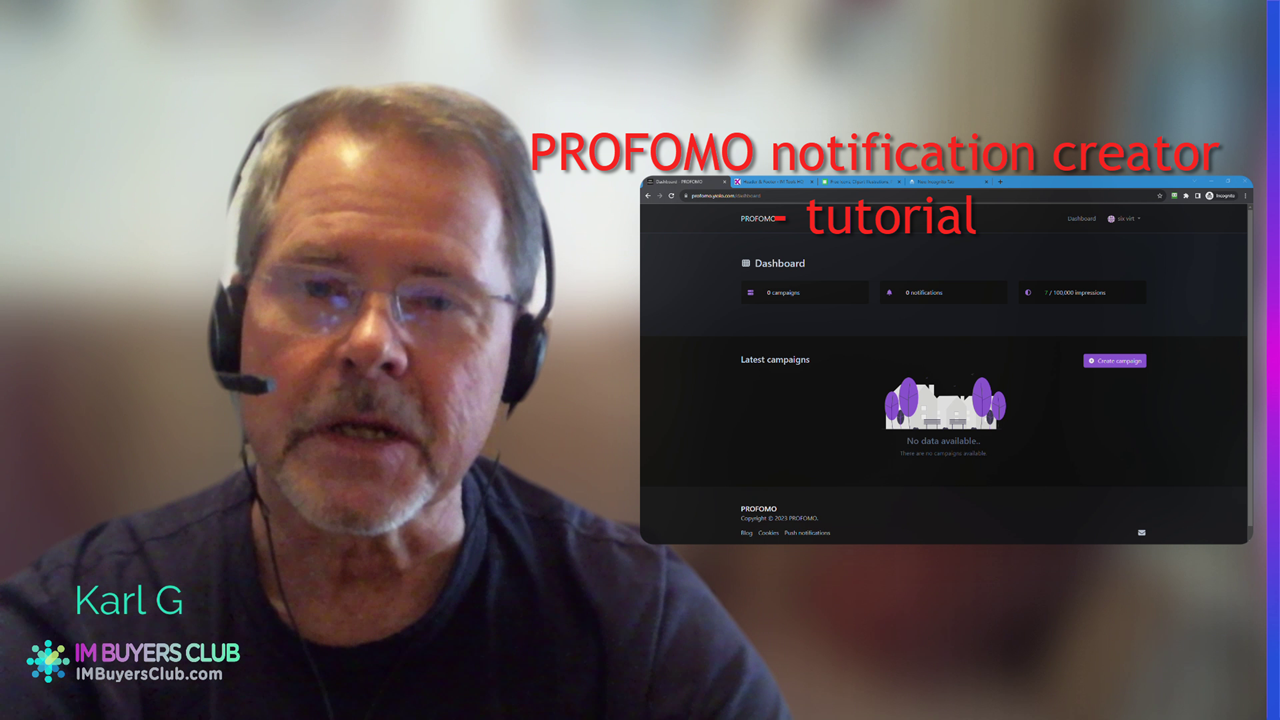
00:00 The Dashboard | Create Campaign | Copy Pixel code
02:17 Adding the pixel code to a site (in the page header) different alternative ways to add to a WP site.
04:50 Only one Campaign/pixel code needed for each site. Can have many different notifications
05:12 Create the first notification, the Informational.
06:10 Configuration tabs. Basic settings
07:23 adding icons from icons8.com
09:44 the Triggers tab settings (Hover CSS trigger)
14:38 the Display tab settings
16:50 the Customize tab settings
19:43 remember to switch on the notification
20:00 does it show correctly on the site?
20:45 Creating a video notification
26:45 both notifications shows on the site
28:05 a brief mentioning of the data collection tab in the email notification.
the demo site: https://imtoolshq.com
the additional free analytics software mentioned when placing the pixel code: https://66analytics.yiolo.com